In today’s digital landscape, Indian Micro, Small, and Medium Enterprises (MSMEs) are increasingly turning to self-hosted n8n India MSME solutions for workflow automation. n8n, the powerful open-source automation tool, allows businesses to connect apps and automate tasks without recurring SaaS fees. Self-hosting ensures data sovereignty under India’s DPDP Act 2023, protects sensitive customer data like GST invoices and leads, and offers unlimited workflows at zero monthly cost. This comprehensive n8n automation setup guide walks you through secure Docker deployment tailored for Indian businesses.
Why Self-Host n8n in India?
- Data Sovereignty: Comply with India’s IT Act and DPDP Act by keeping data on local servers, avoiding foreign cloud risks.
- Zero Monthly Costs: Unlike Zapier (₹2000+/mo), self-hosted n8n is free forever after initial VPS setup (~₹500/mo).
- Custom Workflows: Build unlimited n8n automation setup for WhatsApp, Razorpay, Zoho without API limits.
- Offline Capability: Run automations during internet outages, critical for tier-2/3 Indian cities.
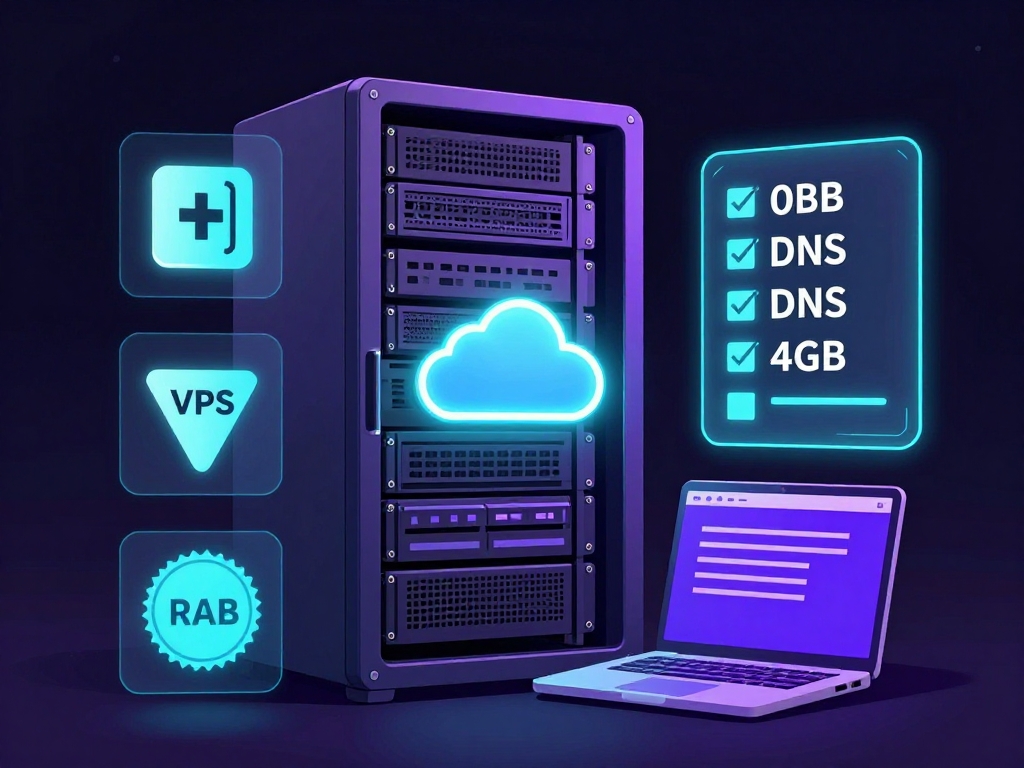
Prerequisites Checklist
- VPS/Server (DigitalOcean/AWS Lightsail, minimum 4GB RAM, Ubuntu 22.04)
- Docker & Docker Compose installed
- Domain name pointed to server IP (A record)
- Basic Linux knowledge (SSH, apt commands)
Step-by-Step Docker Setup
- 1.Update system & install Docker:
sudo apt update && sudo apt install docker.io docker-compose -y - 2.Create
docker-compose.ymlin a new directory - 3.Set environment variables (.env file: N8N_BASIC_AUTH_ACTIVE=true, etc.)
- 4.Run
docker-compose up -d - 5.Access n8n at https://yourdomain.com (setup SSL with Nginx proxy)
version: '3.8'
services:
  postgres:
    image: postgres:16
    restart: always
    environment:
      - POSTGRES_USER=n8n
      - POSTGRES_PASSWORD=n8npass
      - POSTGRES_DB=n8n
    volumes:
      - postgres_data:/var/lib/postgresql/data
  redis:
    image: redis:7-alpine
    restart: always
  n8n:
    image: docker.n8n.io/n8nio/n8n
    restart: always
    ports:
      - '5678:5678'
    environment:
      - DB_TYPE=postgresdb
      - DB_POSTGRESDB_HOST=postgres
      - N8N_BASIC_AUTH_ACTIVE=true
      - N8N_BASIC_AUTH_USER=admin
      - N8N_BASIC_AUTH_PASSWORD=securepass
      - WEBHOOK_URL=https://yourdomain.com
    volumes:
      - n8n_data:/home/node/.n8n
    depends_on:
      - postgres
      - redis
volumes:
  postgres_data:
  n8n_data:
Security Best Practices
sudo ufw enableCommon MSME Use Cases
Lead Generation Forms
Auto-sync Google Forms/Razorpay leads to Zoho CRM & WhatsApp notifications.
WhatsApp Automation
Send order updates, payment reminders via WhatsApp Business API.
Data Syncing
GST invoicing from Tally to Google Sheets, inventory sync.
Email Campaigns
Personalized Mailchimp sequences triggered by sales milestones.
‘Self-hosting n8n transformed our MSME operations – full control, zero downtime, infinite scalability.’ – Indian Manufacturer
Key Takeaways
Master self-hosted n8n India MSME with Docker for cost-effective n8n automation setup. Prioritize data privacy, follow security protocols, and unlock workflows like WhatsApp integration. Scale your business without SaaS lock-in.
Ready to Automate Your Business?
Contact Anagata IT Solutions for expert self-hosted n8n deployment.
Related Articles