Self-Hosted n8n Setup – Docker One-Click
Take full control of your automation data. Deploy a production-ready n8n instance on your own VPS or local server in minutes using our optimized Docker stack.
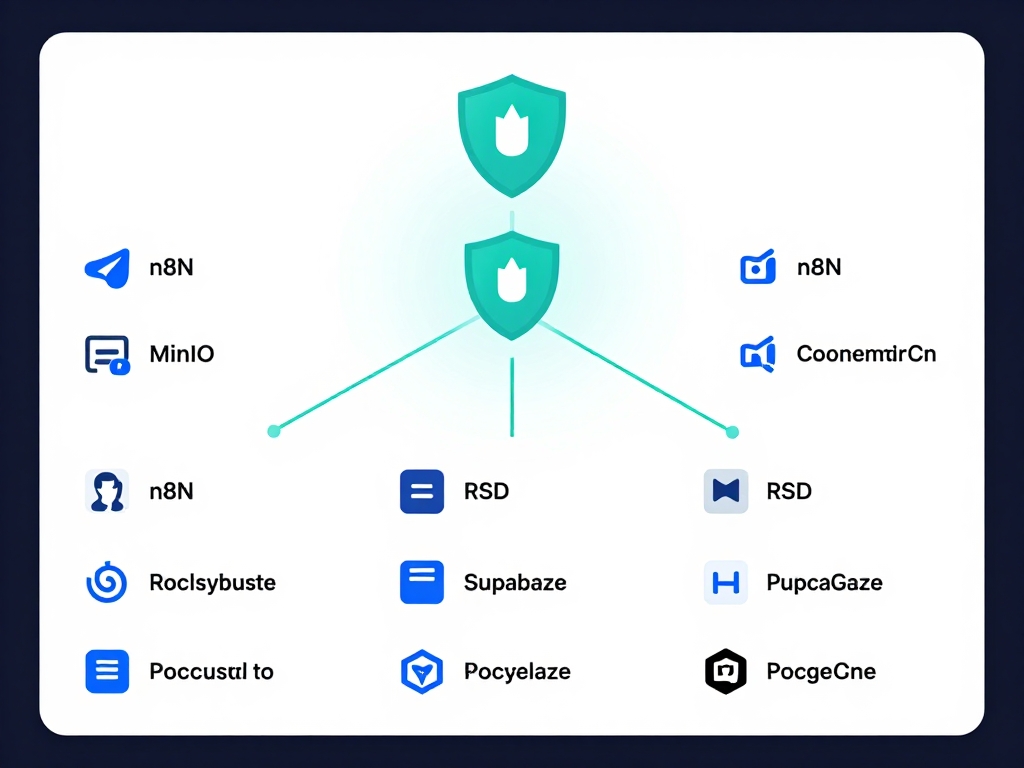
The Deployment Guide
[ PRODUCTION GRADE STACK ]
Prerequisites
Ensure you have a Linux VPS (Ubuntu 22.04 recommended) with Docker and Docker Compose installed. You also need a domain pointed to your IP for SSL.
Environment Config
Define your credentials and domain in the .env file. Our stack includes Traefik for automatic Let’s Encrypt SSL certificates.
Launch
Run docker-compose up -d. Your world-class automation hub will be live at your domain with full persistence and security.
Sample Docker Compose
This snippet sets up n8n with a persistent Postgres database for high-volume workflows.
Download Our Docker-Compose Template
Includes pre-configured Postgres, Traefik, and Redis for a robust, production-ready environment. 100% Free.
Why Self-Host?
- ✅ Privacy: No third-party sees your sensitive API payloads.
- ✅ Performance: Execute complex Python/JS code without SaaS timeouts.
- ✅ Cost: Unlimited workflow executions for the price of a small VPS.
Support & Maintenance
Don’t want to manage updates and security patches yourself? Anagata offers **Managed n8n Hosting** where we handle the DevOps while you build the workflows.
Inquire About Managed Hosting →