

Process Automation • 12 min read
Complete Self-Hosted Supabase Guide: Build Scalable Apps Without Vendor Lock-in
Master the art of self-hosting Supabase on your infrastructure. Complete step-by-step guide covering Docker deployment, PostgreSQL optimization, and building scalable applications with full data ownership.
Self-hosted Supabase represents a paradigm shift in how developers build backend infrastructure. Unlike proprietary platforms that lock you into their ecosystem, self-hosting Supabase gives you complete control over your data, pricing, and scalability. This comprehensive guide walks you through everything from understanding the architecture to deploying production-ready instances.
According to recent industry data, over 60% of enterprises are now considering open-source alternatives to vendor-locked backend services. Supabase, the open-source Firebase alternative built on PostgreSQL, offers a compelling solution that combines the developer experience of Firebase with the power and flexibility of traditional database systems.
What You’ll Learn
- ✓ Understanding Supabase Architecture & Services
- ✓ Docker & Docker Compose Setup Guide
- ✓ Environment Configuration & Security
- ✓ Supabase vs Firebase: Complete Comparison
- ✓ Production Deployment Best Practices
What is Self-Hosted Supabase?
Supabase is an open-source backend-as-a-service platform that provides developers with a complete database solution. Unlike Firebase, which uses NoSQL (Firestore), Supabase is built on top of PostgreSQL – one of the world’s most robust and feature-rich relational databases. The self-hosted option allows you to run the entire Supabase stack on your own infrastructure, whether that’s a dedicated server, cloud VPS, or even your local machine.
According to the official Supabase documentation, self-hosting is ideal for organizations that need:
- ✓ Full data sovereignty – Your data never leaves your infrastructure
- ✓ Compliance requirements – GDPR, HIPAA, SOC2 without restrictions
- ✓ Cost optimization – Predictable infrastructure costs at any scale
- ✓ No vendor lock-in – Export your data anytime in standard SQL format
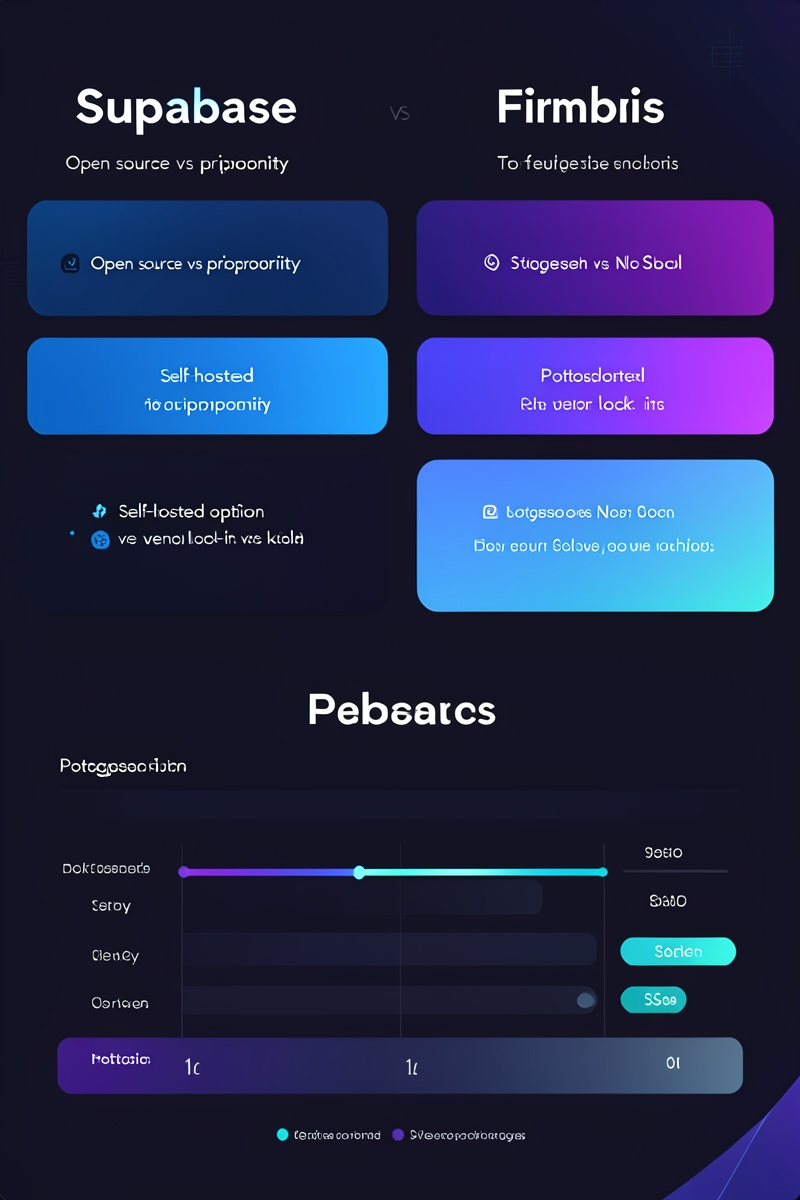
Supabase vs Firebase: Key Differences
| Feature | Supabase | Firebase |
|---|---|---|
| Database Type | PostgreSQL (Relational) | Firestore (NoSQL) |
| Self-Hosting | ✓ Full Support | ✗ Not Available |
| Vendor Lock-in | ✓ None | ⚠ High |
| Pricing Model | Predictable (Pro $25/mo) | Pay-as-you-go |
| SQL Support | ✓ Full | ✗ Limited |
| Open Source | ✓ Yes (Apache 2.0) | ✗ Proprietary |
Supabase Service Architecture
The self-hosted Supabase stack consists of 13 microservices, each running in its own Docker container. According to the official Docker Compose reference from Supabase, this architecture provides enterprise-grade reliability and scalability. Here’s what each service does:
Core Services
PostgreSQL
The foundation – powerful relational database with Row Level Security (RLS)
GoTrue
Authentication service with JWT support, user management, and OAuth providers
PostgREST
Automatic RESTful API generation from your PostgreSQL database
Realtime
WebSocket subscriptions for live database changes
Storage
S3-compatible object storage for files, images, and media
Kong
API Gateway for routing and rate limiting
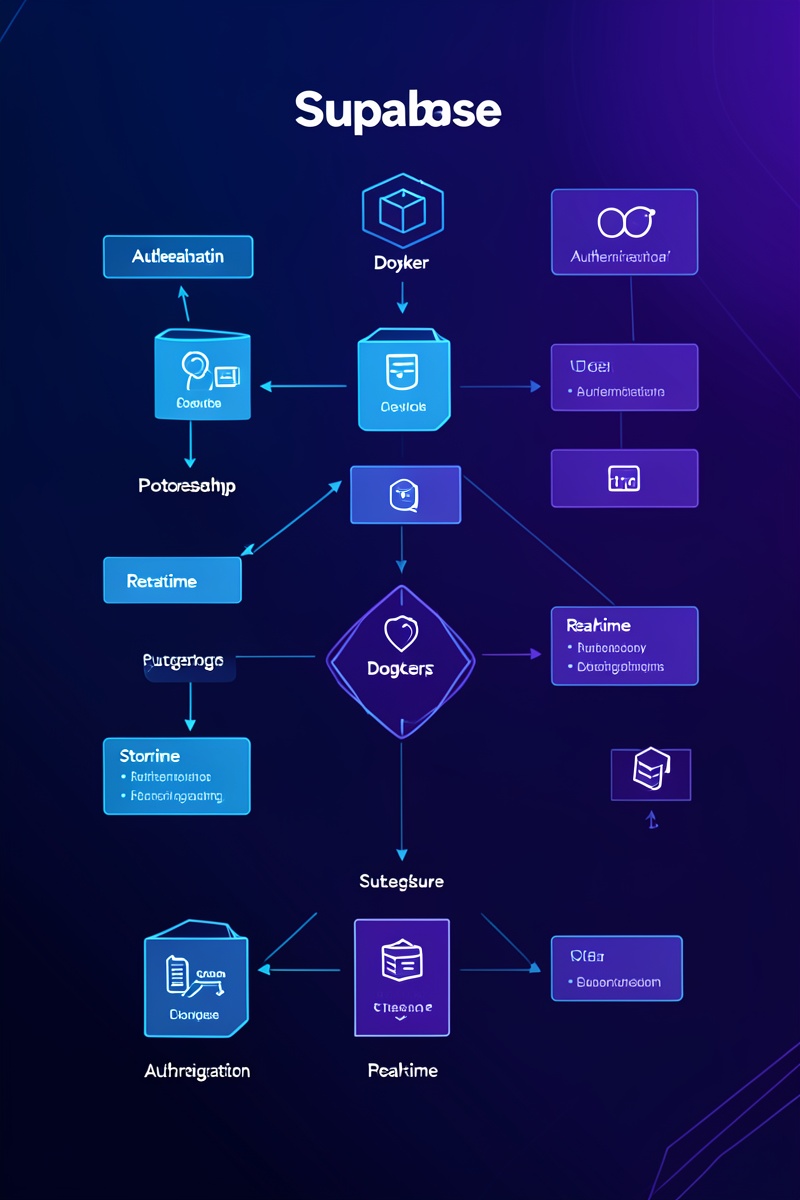
Supabase Services Overview
Here’s a visualization of the complete Supabase microservice architecture:
“Supabase is building the features of Firebase using enterprise-grade, open source tools. Instead of vendor lock-in, you get: portability, transparency, and community-driven development.”
— Supabase Official Documentation
Setting Up Self-Hosted Supabase with Docker
The fastest and recommended way to self-host Supabase is using Docker Compose. According to the official GitHub repository, this method provides a complete stack with all Supabase services running locally or on your infrastructure.
Prerequisites
- • Docker (version 20.10 or higher)
- • Docker Compose (version 2.0 or higher)
- • Linux server administration basics
- • Networking fundamentals (ports, DNS, firewalls)
Step 1: Clone the Repository
# Clone the official Supabase Docker repository
git clone --depth 1 https://github.com/supabase/supabase.git
cd supabase/docker

# Copy the environment configuration file
cp .env.example .env
Step 2: Configure Environment Variables
# Essential Configuration
POSTGRES_PASSWORD=your-secure-password-here
JWT_SECRET=your-256-bit-secret-key
SITE_URL=http://localhost:3000
ADDITIONAL_REDIRECT_URLS=http://localhost:3000

# Studio Configuration
STUDIO_PGXX13_URL=postgres://postgres:your-password@db:5432/postgres
ANON_KEY=your-anon-key
SERVICE_ROLE_KEY=your-service-role-key
Step 3: Start Supabase
# Start all Supabase services
docker-compose up -d

# View running containers
docker-compose ps

# Check logs
docker-compose logs -f
Cost Comparison: Self-Hosted vs Managed
See how self-hosting Supabase compares to managed plans and Firebase at different scales:
* Self-hosted costs include AWS infrastructure (EC2, RDS, S3) estimates. Actual costs vary by provider and usage patterns.
Production Deployment Best Practices
Deploying Supabase in production requires careful consideration of security, scalability, and reliability. Based on industry best practices and the official documentation, here are the essential recommendations:
- ✓ Enable SSL/TLS – Use Let’s Encrypt or your own certificate authority for secure connections
- ✓ Configure Row Level Security (RLS) – Implement granular access controls at the database level
- ✓ Set up automated backups – Use pg_dump or cloud-native snapshot solutions
- ✓ Implement monitoring – Use Prometheus, Grafana, or cloud monitoring tools
- ✓ Configure rate limiting – Prevent abuse and ensure fair usage with Kong gateway
- ✓ Use connection pooling – Supavisor helps manage database connections efficiently
Minimum Server Requirements
| Deployment Type | CPU | RAM | Storage |
|---|---|---|---|
| Development | 2 vCPU | 4 GB | 20 GB SSD |
| Small Production | 4 vCPU | 8 GB | 50 GB SSD |
| Medium Production | 8 vCPU | 16 GB | 100 GB SSD |
| Large Production | 16+ vCPU | 32+ GB | 500+ GB SSD |
Key Takeaways
Self-hosted Supabase offers a powerful alternative to Firebase and other proprietary backend services. By leveraging the open-source nature of the platform, developers and organizations can build scalable applications while maintaining full control over their infrastructure and data.
Why Choose Self-Hosted Supabase?
- • No vendor lock-in – Your data is portable and accessible
- • Cost predictability – Pay for infrastructure, not per-user fees
- • Enterprise-grade PostgreSQL – 30+ years of reliability and feature richness
- • Community support – Active open-source development and documentation
- • Compliance ready – Deploy in any region or on-premise
Whether you’re building a startup MVP or an enterprise application, self-hosted Supabase provides the flexibility, scalability, and control you need to succeed without the fear of vendor lock-in. Start your journey today by setting up a local development environment using Docker Compose, and scale up to production when ready.
Ready to Build Without Limits?
Get expert guidance on deploying self-hosted Supabase for your organization.
Get in TouchRelated Articles

The Manpower Tax: A Founder’s Guide to Auditing Operational Bottlenecks for Business Automation ROI
Process Automation • Operational Efficiency Audit • 12 min read The Manpower Tax: A Founder’s Guide to Auditing…
Process Automation
WhatsApp Sales Engines: Turning Chats into Revenue with n8n & Twenty CRM in 2025
Process Automation • 12 min read WhatsApp Sales Engines: Turning Chats into Revenue with n8n & Twenty CRM…
Process Automation
Ditch the Vercel Tax: Why Startups Are Moving to Self-Hosted Coolify in 2026
Process Automation • Cloud Infrastructure Ditch the Vercel Tax: Why Startups Are Moving to Self-Hosted Coolify in 2026…
Process Automation